Choose your GIF
Select an animated GIF from your device or drag it into the cropper.

Files stay on your device. No upload required.
FREE ONLINE GIF CROPPER
Crop animated GIFs for free. Choose the part of the picture you want to keep, preview the animation, and download your new GIF.
Crop your GIF right in your browser. Your file isn't uploaded.
HOW IT WORKS
Select an animated GIF from your device or drag it into the cropper.
Move the crop box to the part you want, drag a corner to resize it, or enter the crop size in pixels.
Crop your GIF, check the animated result, and download the new file.
Cropping an animated GIF removes the outside of the picture, not part of the animation. The same area is cropped from every frame, so your GIF still moves. Saving the GIF again may slightly change its colors or fine details.
Choose 1:1 for a square GIF, then move the crop box over the part you want to keep. You can also choose 4:3, 16:9, 3:4 or 9:16, or select Free to enter your own crop size and position. Cropping removes part of the picture; it does not enlarge the image.
Cropping cuts away the part of the picture outside your selection. The part you keep stays at its original size, but saving the GIF again may slightly change colors, transparent areas or fine details. Check the animated preview before downloading.
Cropping reduces the width or height of a GIF, so every frame contains less of the picture. The new file is often smaller, but not always. Compare the sizes before downloading. If you need a smaller file, try the GIF compressor.
Want to remove a border, change the picture size or shorten the animation? Choose the right GIF tool below.
| Tool | What changes | Result |
|---|---|---|
| Crop GIF | The visible picture area | A cropped animated GIF |
| Resize GIF | The width and height of the picture | A resized animated GIF |
| Trim GIF | The beginning and end of the animation | A shorter animated GIF |
| Split GIF | Separates the animation into pictures | Individual PNG frames |
| Compress GIF | Reduces file size by simplifying some colors | A compressed GIF |
Need still images from each frame? Try our GIF frame extractor. Want a shorter animation? Use the GIF Trimmer. After cropping, reduce GIF file size before you share it. Have a WebP file instead? Convert WebP to GIF first. Want to animate a PNG sprite sheet? Turn a sprite sheet into a GIF.
SEE THE DIFFERENCE
Compare each original animation with a cropped version. Download an original GIF to try the same crop yourself. The dimensions and timing are real, although your saved file may differ slightly in color and file size.
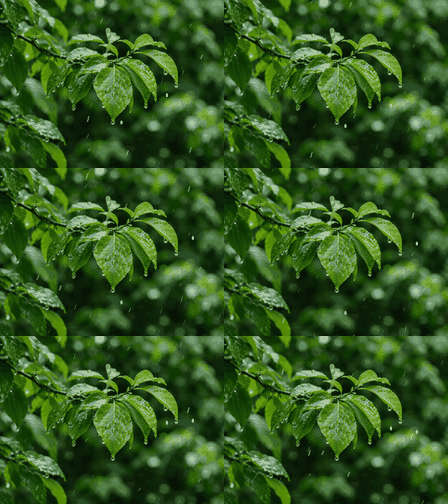 Original GIF224 × 168
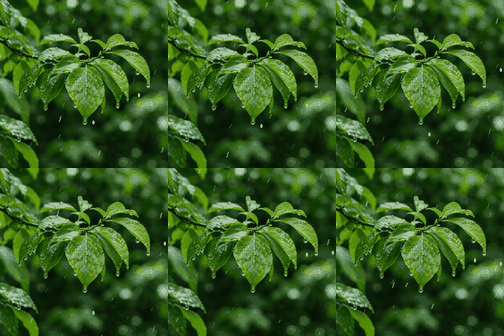 Cropped GIF168 × 168
Keep the rainy leaves and remove the sides of a wide animation.
168 × 168 px crop · 28 px from left, 0 px from top · 16 frames · 1.60s
Download example GIF Original GIF678 × 378
 Cropped GIF282 × 376
Focus on the conductor while cropping out the orchestra at the sides.
282 × 376 px crop · 193 px from left, 0 px from top · 5 frames · 0.85s
Download example GIF Original GIF512 × 512
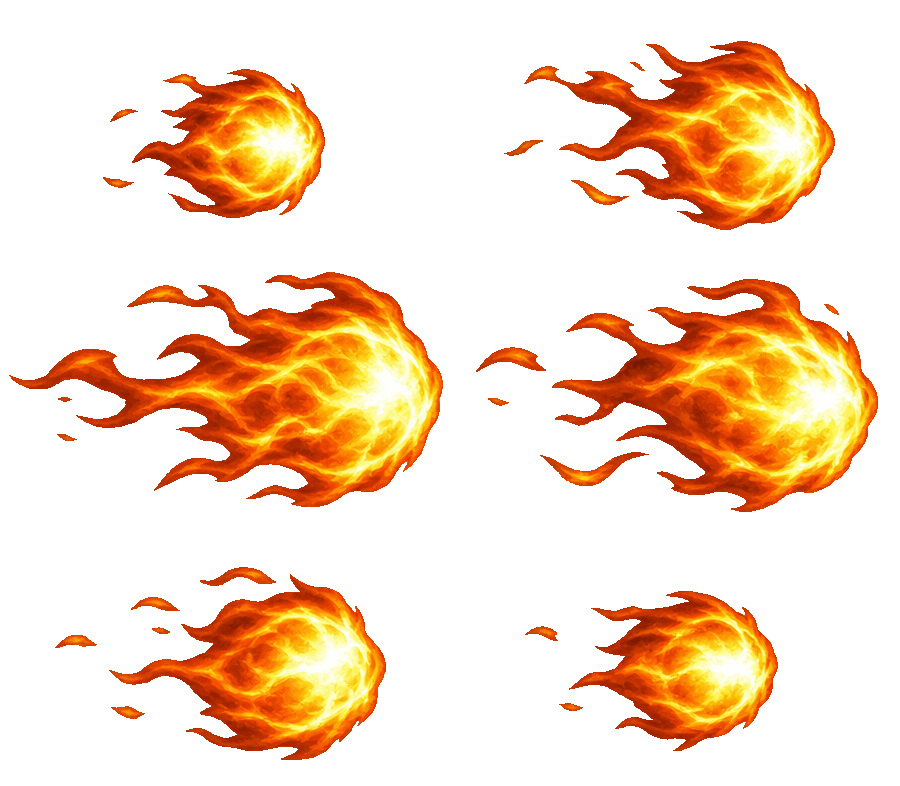 Cropped GIF450 × 262
Remove the empty transparent border around a moving fireball.
450 × 262 px crop · 40 px from left, 126 px from top · 6 frames · 0.90s
Download example GIFGOOD TO KNOW
Yes. GIFEdit crops every frame in the area you choose and saves a new animated GIF. Some colors or fine details may change when it is saved again.
Choose the 1:1 aspect ratio, place the crop box over the subject, then click Crop GIF. The new animated GIF will have a square frame.
Yes. Select Free and enter the crop width and height in pixels, as long as they fit inside the original GIF. To enlarge the picture, use Resize GIF.
Often, but not always. Cropping removes pixels, but saving the animation again can change its final file size.
Not yet. You can crop a GIF into a rectangle or square, but this tool cannot make a circular image.
Cropping changes what you see, not how long the GIF plays. To keep only a few seconds, use the GIF Trimmer.
No. Your GIF is cropped in your browser. It does not need to be uploaded to GIFEdit's server.